> ## Documentation Index
> Fetch the complete documentation index at: https://docs.blitzy.com/llms.txt
> Use this file to discover all available pages before exploring further.
# Introduction
> Understand core concepts, workflows, and when to use Blitzy for AI-Native development
## Why Blitzy?
Blitzy generates code for projects your team doesn't have time to build manually:
* **Greenfield products** — Go from a prompt to a working application. Ship new products that wouldn't otherwise get resourced.
* **Legacy modernization** — Large-scale refactoring and migration requiring months of senior engineering time.
* **Technical debt** — Security vulnerabilities, outdated dependencies, and architectural improvements that keep getting deprioritized.
* **Design-to-code** — Convert Figma screens into pixel-faithful front-end code.
* **Cross-codebase changes** — Pattern migrations and repetitive changes across hundreds of files.
### What Makes Blitzy Different
Learns your architecture, patterns, and domain terminology.
Generates and validates code continuously until the job is done.
Adapts to your development lifecycle and evolves alongside your processes.
Attach Figma frames directly to prompts for design-aware code generation.
Evolving Tech Specs, reviewable Action Plans, and Project Guides for handoff.
***
## Key Concepts
Five terms you need to know before using Blitzy:
| Concept | What It Is | When You Use It |
| ------------------------------------------------------------------ | ------------------------------------------------------------------------------------------------- | ---------------------------------------------------------------------------------------- |
| **[Ingestion](/prompt-engineering/ingestion)** | Blitzy analyzes your codebase to understand architecture, patterns, and terminology. | Required for existing codebases. Not needed for greenfield projects. |
| **[Technical Specification](/project-lifecycle/tech-spec-review)** | A knowledge base Blitzy generates after ingestion, documenting your architecture and conventions. | Generated automatically. Review it to confirm Blitzy understands your codebase. |
| **[Agent Action Plan (AAP)](/project-lifecycle/aap-review)** | A detailed implementation plan showing which files will be created or modified. | Every generation. This is your primary control point — review, edit, approve, or reject. |
| **[Project Guide](/project-lifecycle/project-guide-review)** | Documentation generated alongside your code, explaining architecture decisions and next steps. | Generated automatically after every code generation. |
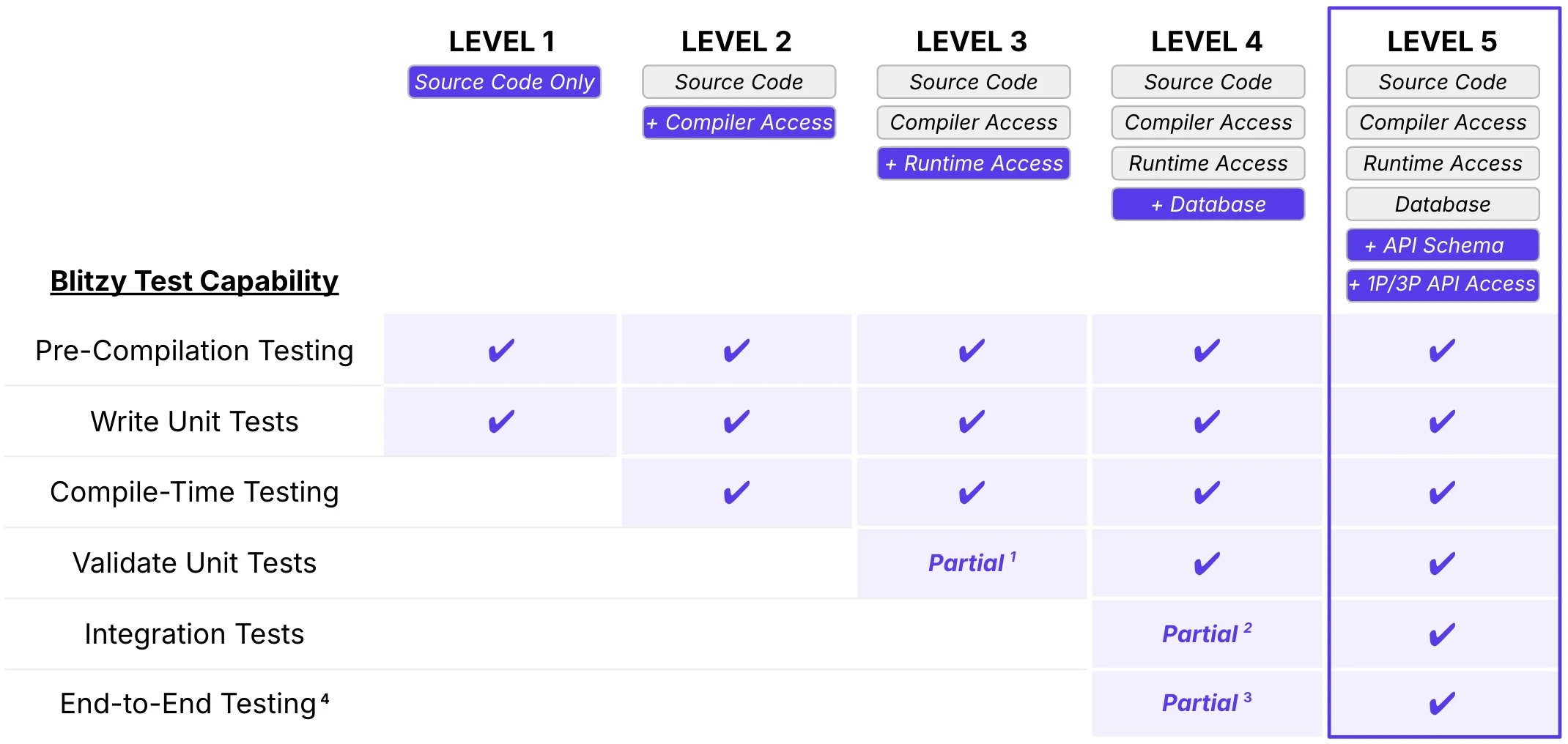
| **[Runtime Validation](/administration/environments)** | Blitzy compiles and tests generated code in isolated environments before creating a PR. | Automatic when environment configuration is provided. |
See the full [Glossary](/glossary) for all Blitzy-specific terminology.
***
## How Blitzy Works
### Workspace vs Knowledge Base
The Blitzy platform has two UI modes accessible via a toggle:
| Feature | Workspace | Knowledge Base |
| --------------- | -------------------------------------------- | ------------------------------------------------------- |
| **Purpose** | Execute workflows and manage jobs | Browse and review technical specifications |
| **Activities** | Create generations, review PRs, monitor jobs | Search specs, compare branches, understand architecture |
| **When to Use** | Generating code or managing active work | Understanding your codebase before writing prompts |
**Toggle between modes** using the UI toggle to switch between [Workspace](/platform/workspace) and [Knowledge Base](/platform/knowledge-base).
### Workflow Overview
Blitzy's workflow adapts to whether you're starting from scratch or working with an existing codebase.
Build new applications from a prompt:
Describe what you want to build, your tech stack, and key features
Blitzy outlines the code it will create; review and refine the approach
Blitzy generates production-ready code and creates a pull request
Test the code, review the Project Guide documentation, and merge
Generate code that integrates with your architecture:
Blitzy analyzes your codebase to understand architecture, patterns, and domain terminology
Confirm that Blitzy accurately understands your codebase at scale
Describe the feature or changes you need
Review how Blitzy plans to integrate with your existing code
Blitzy generates code matching your patterns and creates a pull request
Verify integration, test functionality, and merge.
After merging, return to Step 2 for your next generation. Your Technical Specification persists and improves over time.